ANDROID BUDGET APP PRIVACY
Hide Budget App Notification Details
Review lock-screen, banner, wearable and recent-notification exposure separately from app entry.
01 / CONTEXT
Define the control decision
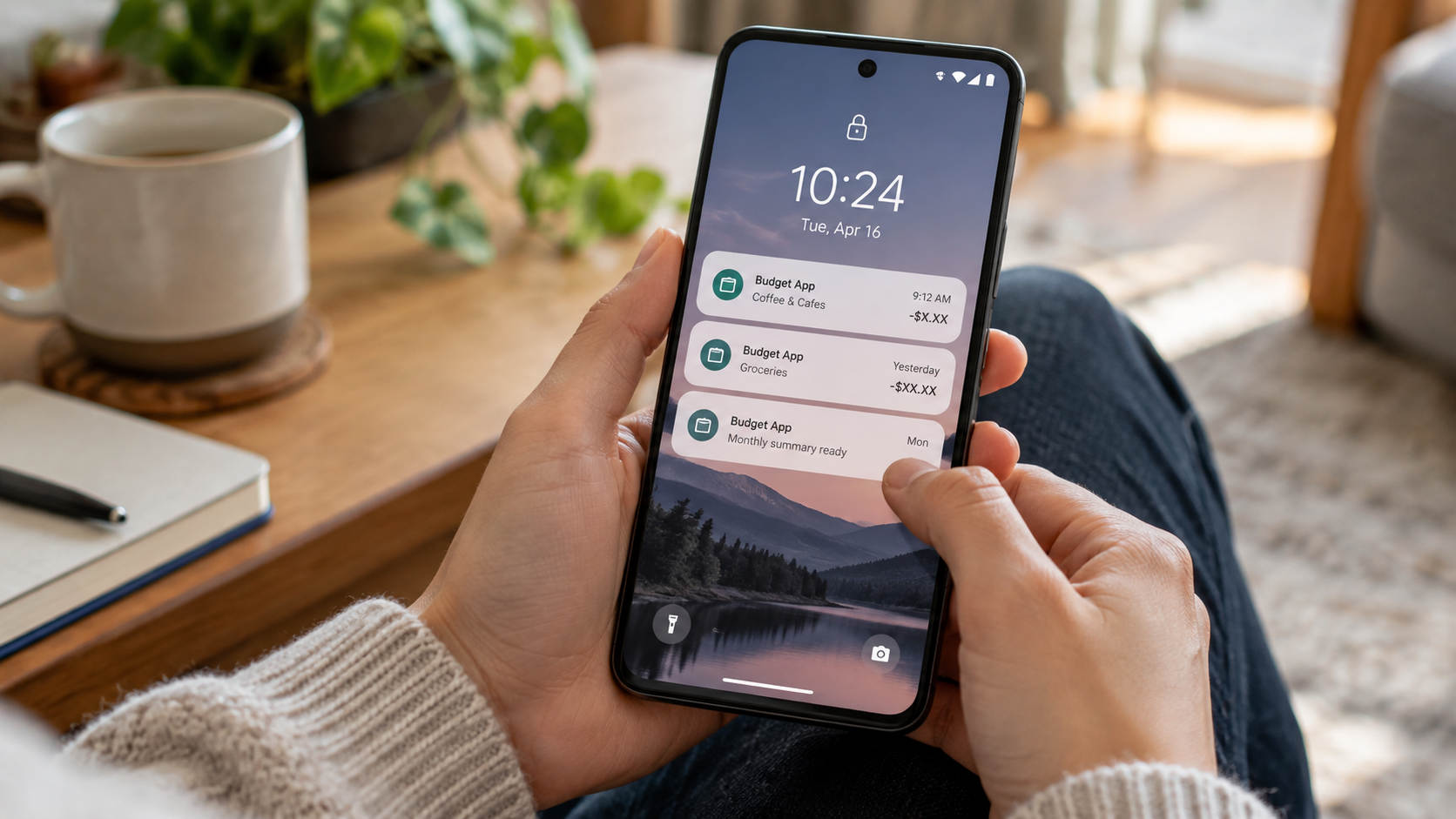
A transaction alert can reveal a merchant, amount, balance or account name before anyone opens the app. Notification privacy needs its own Android and app settings review because locking the application does not automatically redact every preview.
Review lock-screen, banner, wearable and recent-notification exposure separately from app entry.
02 / PROCEDURE
Run the control sequence
- 01
List each finance app that posts notifications.
- 02
Review lock-screen, banner, history and wearable previews.
- 03
Choose the minimum preview detail that still supports alerts.
- 04
Test messages with fictional amounts and merchants.
- 05
Repeat after Android, app or wearable updates.
03 / EVIDENCE
Preserve proof without personal data
A defensible privacy record identifies the phone owner, Android version, budget apps, sensitive screens, device-lock state, app authentication, secondary-lock configuration, notification exposure, backup behavior, recovery owner and next review date. It should not contain real balances, transactions, account numbers, credentials or personal notes. Use a fictional demo profile during every technical test.
Recheck the arrangement after changes to Android, the finance app, App Lock, device security, notifications, biometrics, cloud backup, account recovery, permissions or shared-phone routines. Confirm both usability and recovery: the owner should enter the finance app when authorized, another phone user should meet the intended barrier, and the owner should recover access without depending on undocumented steps. Preserve unexpected behavior before changing controls.
Keep the claim narrow. A tested entry lock may reduce casual access to one Android application, but it does not encrypt the device, secure the finance account, approve transactions, hide every notification or recent-app preview, detect malware, govern cloud copies, erase exports or guarantee recovery. Escalate those requirements to the Android, finance-provider and account-security controls designed to meet them.
Ask a second tester to follow the written privacy procedure with fictional data. Record whether that person can identify sensitive screens, test the locked entry point, recognize notification exposure, find the recovery owner and explain what remains visible elsewhere. This usability check reveals hidden shortcuts, ambiguous recovery steps and unsupported assumptions before a phone, Android, finance-app or account change.
04 / BOUNDARY
State what the control cannot prove
Notification settings do not prevent exposure in email, SMS, widgets, screenshots, synchronized devices or provider records.
Validate the exact Android version, device lock, finance-app authentication, notification settings, backup behavior and current App Lock release. If device encryption, account security, transaction authorization, malware protection, cloud-backup control or guaranteed recovery are required, select systems designed for those jobs rather than broadening a desktop restriction claim.
05 / SOURCES
Primary references
References support specific controls and do not imply endorsement.