PRODUCT FIT / TEST CURRENT RELEASE
App Lock for Android Budget Apps
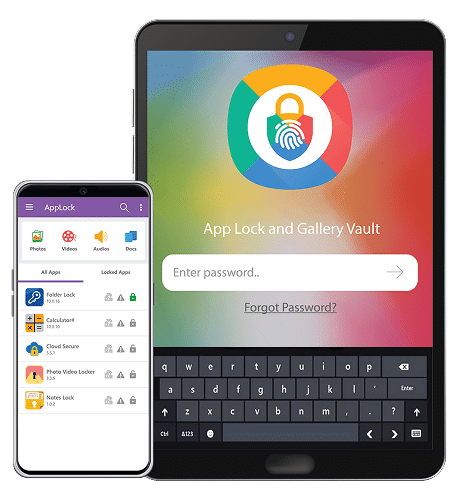
Evaluate App Lock & Gallery Vault for one bounded job: adding a tested secondary entry barrier to selected finance apps on a supported Android phone.
01 / FIT
Use one bounded secondary entry layer
App Lock & Gallery Vault may help reduce casual entry to selected Android applications after current-device testing. Personal-finance users should consider it only after confirming a strong device lock, finance-app authentication, notification privacy, recovery ownership and backup boundaries. Use a fictional budget profile without real balances, merchants, account labels or credentials during evaluation.
The product does not encrypt the device, authorize transactions, secure a provider account, detect malware, control notification content, govern cloud data, erase exports or guarantee recovery.
02 / PILOT
Test the complete privacy lifecycle
- 01
Confirm the current official release, supported Android version and documented features.
- 02
Create a fictional budget profile with no real balances, merchants or credentials.
- 03
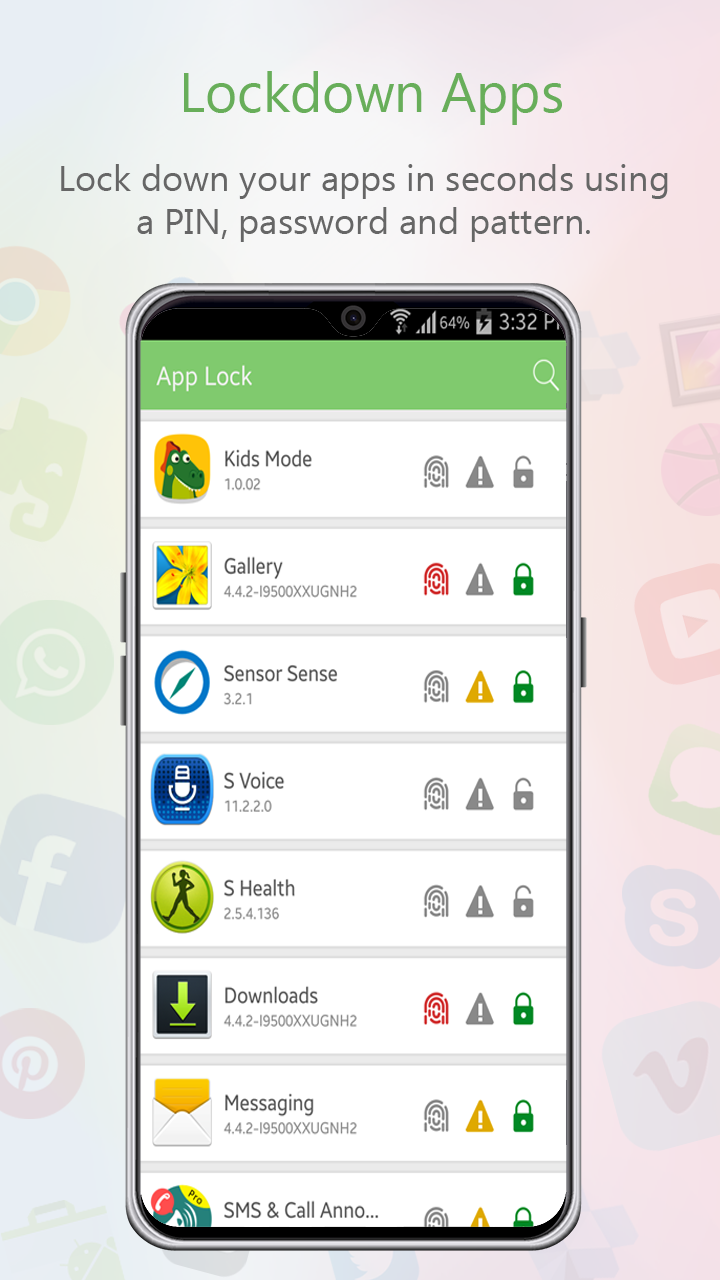
Test app selection, entry, wrong-code behavior, restart, recent apps and notifications.
- 04
Review biometric, password, recovery, update, reinstall and replacement-phone consequences.
- 05
Record device-lock, finance-account and App Lock responsibilities separately.
03 / INTERFACE
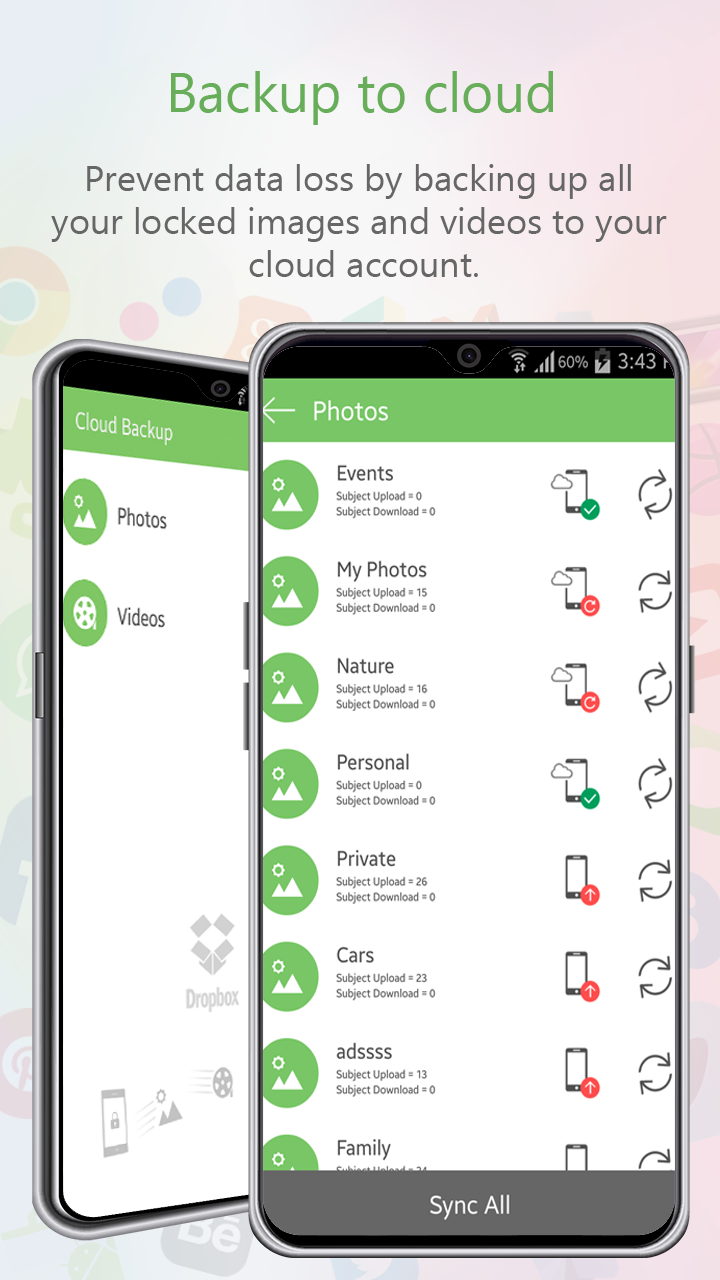
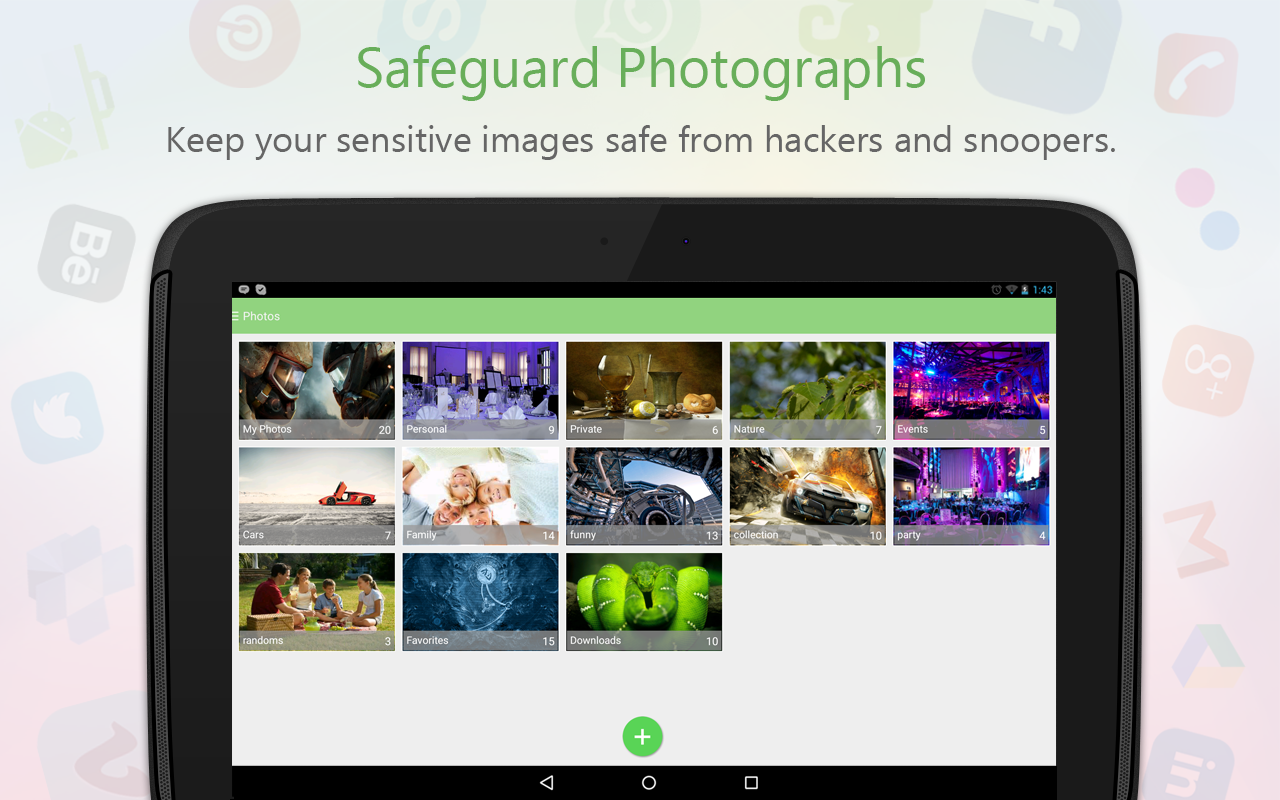
Inspect each supplied product view

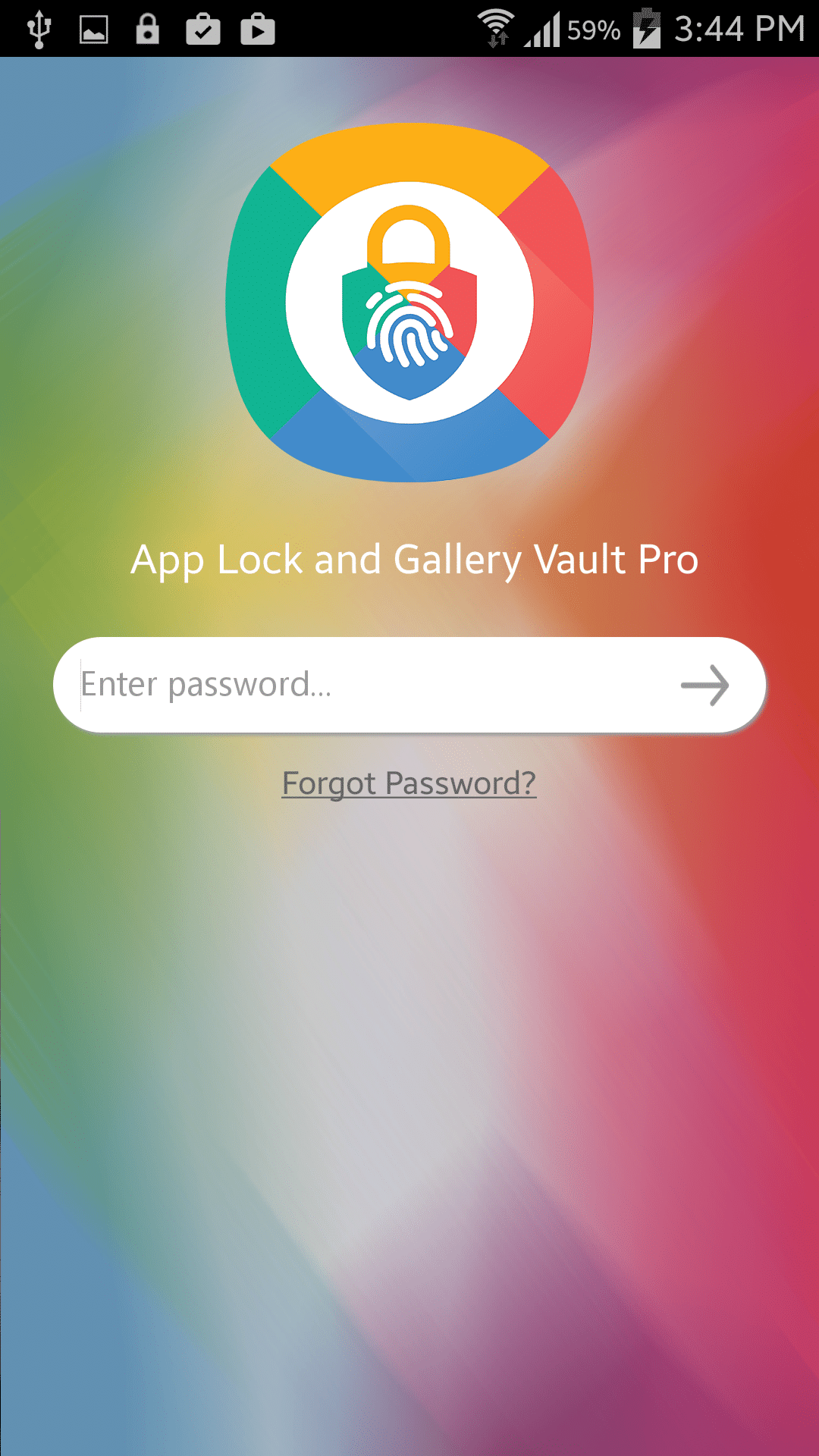
04 / LIMITS
Keep account security outside the claim
App Lock operates as an application-entry layer on the tested Android device. It cannot determine whether a transaction is authorized, protect a finance-provider website, detect malicious software, secure SMS or email alerts, control another synchronized device, or guarantee that notification previews and recent-app thumbnails reveal nothing.
Test the exact phone, Android build, finance app and current product release. Observe behavior after restart, biometric failure, App Lock update, finance-app update, permission changes, battery optimization, reinstall and device migration. Keep provider credentials and recovery codes outside screenshots, and never use a real balance or account history for testing.
After adoption, record the phone, Android version, selected apps, App Lock version, entry method, notification result, recovery owner and next review. Repeat the pilot after system, permission, app, biometric, backup or device changes. A successful block is evidence only for the tested entry action; it is not proof of device encryption, finance-account security, transaction authorization, malware protection, secure deletion or guaranteed recovery.
A defensible privacy record identifies the phone owner, Android version, budget apps, sensitive screens, device-lock state, app authentication, secondary-lock configuration, notification exposure, backup behavior, recovery owner and next review date. It should not contain real balances, transactions, account numbers, credentials or personal notes. Use a fictional demo profile during every technical test.
Recheck the arrangement after changes to Android, the finance app, App Lock, device security, notifications, biometrics, cloud backup, account recovery, permissions or shared-phone routines. Confirm both usability and recovery: the owner should enter the finance app when authorized, another phone user should meet the intended barrier, and the owner should recover access without depending on undocumented steps. Preserve unexpected behavior before changing controls.
Keep the claim narrow. A tested entry lock may reduce casual access to one Android application, but it does not encrypt the device, secure the finance account, approve transactions, hide every notification or recent-app preview, detect malware, govern cloud copies, erase exports or guarantee recovery. Escalate those requirements to the Android, finance-provider and account-security controls designed to meet them.
Ask a second tester to follow the written privacy procedure with fictional data. Record whether that person can identify sensitive screens, test the locked entry point, recognize notification exposure, find the recovery owner and explain what remains visible elsewhere. This usability check reveals hidden shortcuts, ambiguous recovery steps and unsupported assumptions before a phone, Android, finance-app or account change.
05 / SOURCES