ANDROID BUDGET APP PRIVACY
Protect Android Budget App Privacy
Reduce casual exposure of balances and transaction screens with deliberate device security, app authentication, notification controls and a tested secondary lock—without confusing app entry with account security.
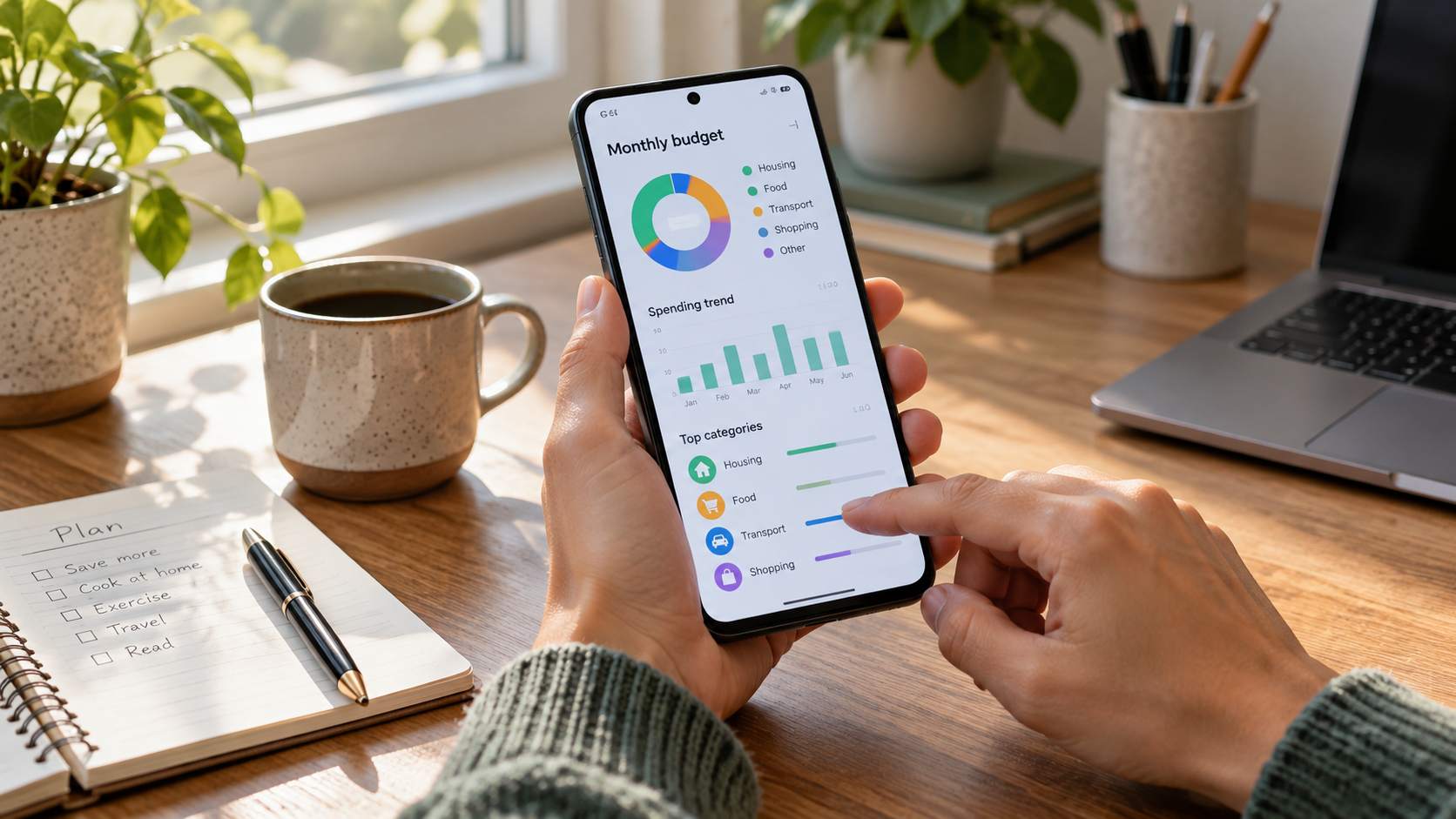
THE BUDGET APP PRIVACY PATH
Seven controls protect more than the app icon.
01Private ScreensIdentify Private Budget App Screens02Entry ControlsLayer Android Budget App Entry Controls03Shared PhonePrepare a Phone for Temporary Sharing04NotificationsHide Budget App Notification Details05Recovery PlanPlan Budget App Lock Recovery06Backup LimitsCheck Budget App Backup Boundaries07Fix AccessFix Android Budget App Lockouts
INTERACTIVE BUDGET PRIVACY CHECKER
Is the Android budget app ready for private use?
Select only evidence you can verify. The result identifies the next missing control.